
Cedric Boudoya

Cedric Boudoya
I am a Software Engineer with over 9 years of experience in Web and Client Server Solutions specializing in .NET solutions using C#, VB.Net and ASP.net. I am a Microsoft Certified Professional bilingual English and French who is energetic, a hard worker and a fast learner. As team player or on my own, I can work without supervision to develop quality software and focus and prioritize my ideas effectively. I continually strive to become a true expert in the fast moving software development industry.
My Latest Posts
-
How To: Install Windows 7 on VirtualBox 2.1 – Fix Sound, Video and Network adapter
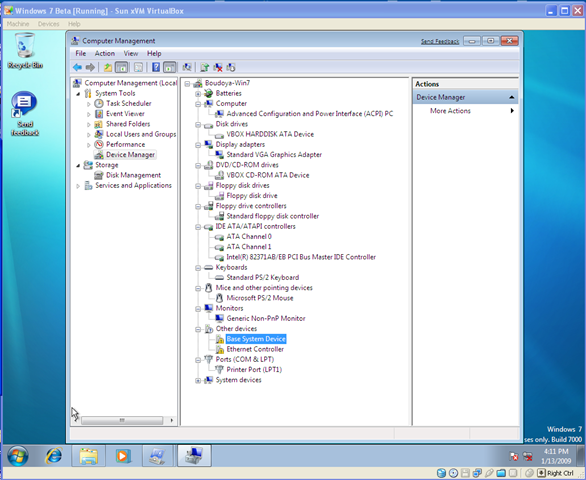 On my previous blog posts, I covered the installation of VirtualBox 2.1 and I went over the step-by-steps to create a virtual machine to host Windows 7. How to: VirtualBox... Read More
 -
How To: Install Windows 7 on VirtualBox 2.1 – Installation details
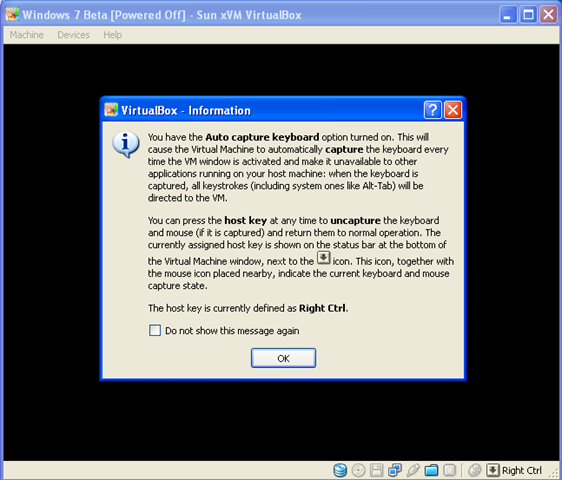 On my previous blog posts, I cover the installation of VirtualBox 2.1 and I go over the step-by-steps to create a virtual machine to host Windows 7. How to: VirtualBox... Read More
 -
How To: Install Windows 7 on VirtualBox 2.1 - Create a virtual machine
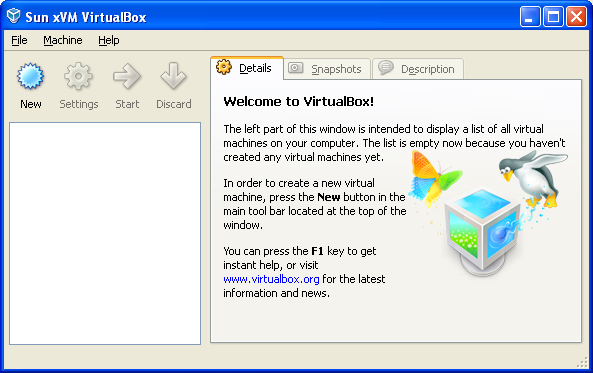 Today, I will go through the step by step instructions to setup VirtualBox for Windows 7. First of all, You will need to install VirtualBox. Follow my VirtualBox installation guide... Read More
 -
How To: VirtualBox 2.1 Installation Guide
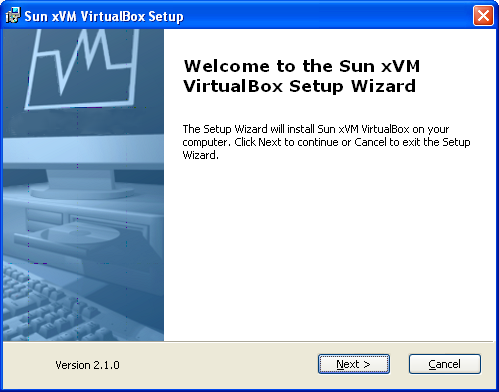 In this step-by-step guide, we will install VirtualBox 2.1. This article is the first in a multi-part series on installing Windows 7 beta on a VirtualBox virtual machine. Let’s get... Read More
 -
Get and Set Properties using .NET Reflection
Introduction I would like to set the text value on a textbox control. It sounds easy enough. First, I would like to create a textbox web control then I would... Read More